

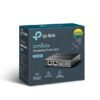
TP-Link OC200 Omada Hardware Controller


Original price was: ₹11,500.00.₹6,500.00Current price is: ₹6,500.00.
TP-Link OC200 Omada Hardware Controller
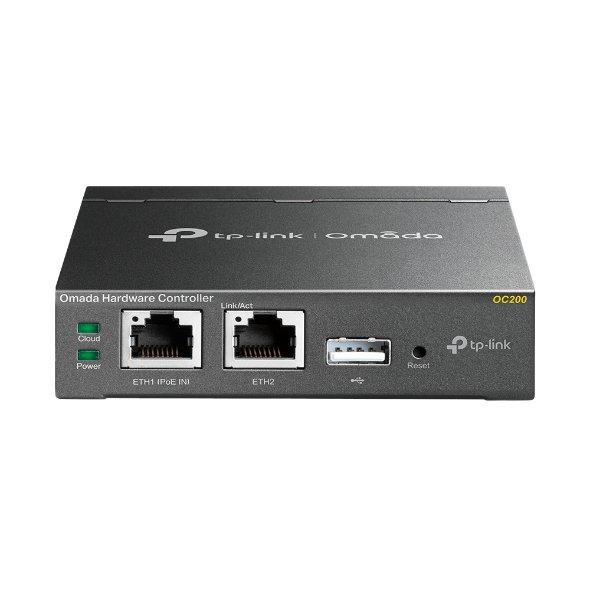
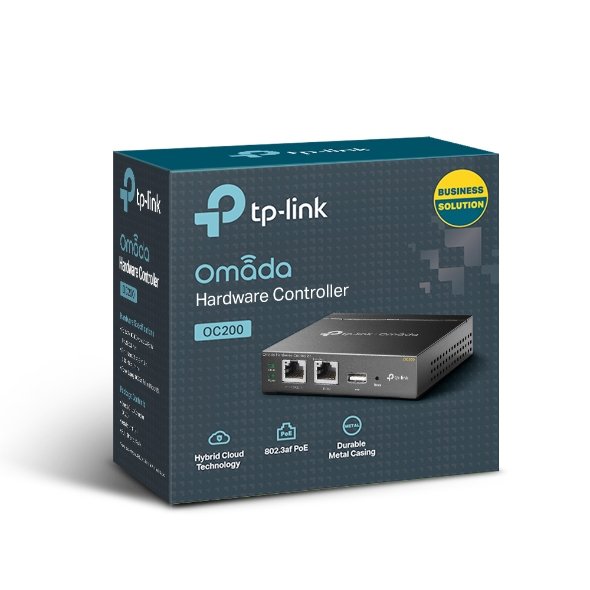
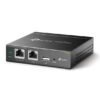
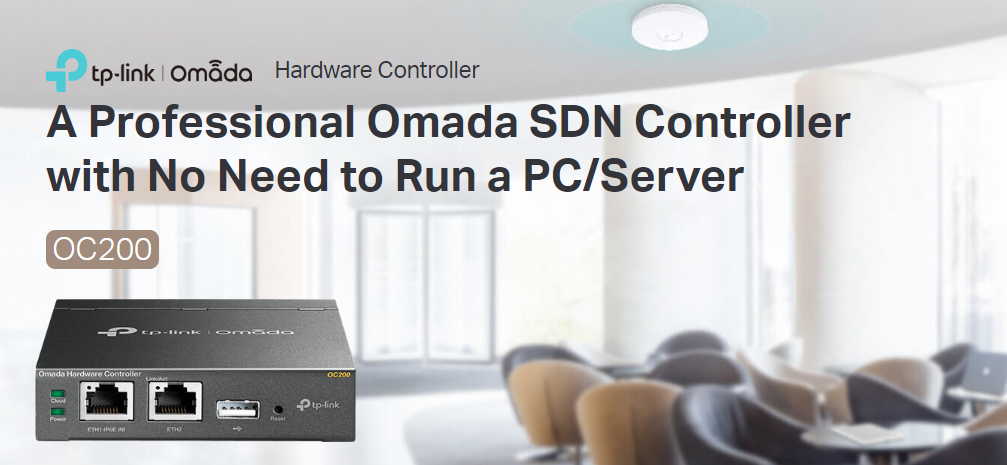
TP-Link OC200 Omada Hardware Controller is a compact, dedicated device for seamless centralized management of your Omada network. Designed for small-to-medium businesses, it provides real-time monitoring, remote cloud access, and easy configuration of connected devices for optimized network performance.
TP-Link OC200 Omada Hardware Controller is a powerful, hardware-based network management device, tailored for centralized control of your Omada-compatible network. The TP-Link OC200 comes With its intuitive cloud-based interface, TP-Link OC200 allows administrators to monitor network traffic, set up access points, adjust bandwidth settings, and manage connected devices from anywhere via the Omada app or web portal. TP-Link OC200 Built with high-quality hardware, it ensures reliability and stable performance even in busy network environments. The OC200 is perfect for organizations seeking an easy-to-manage, scalable network solution with robust cloud access for streamlined operations and real-time insights.
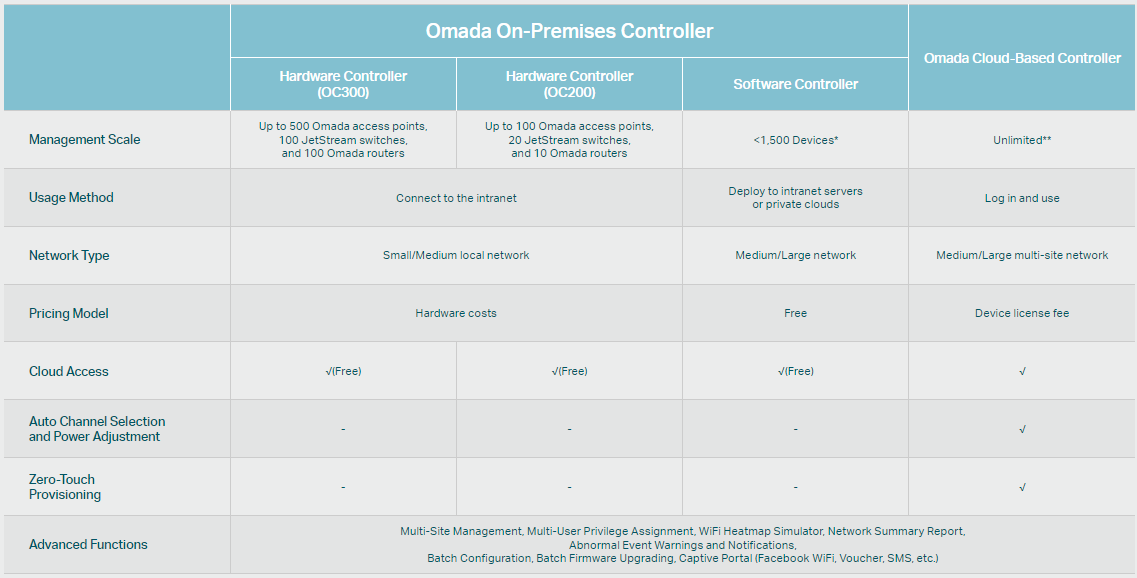
- Centralized Management: Up to 100 Omada access points, 20 JetStream switches, and 10 Omada routers.
- Free Cloud Access: Manage and monitor with the Omada app or Web UI from anywhere, anytime.
- On-Premises Management: Locally monitor and manage devices with the ultimate security and stability.
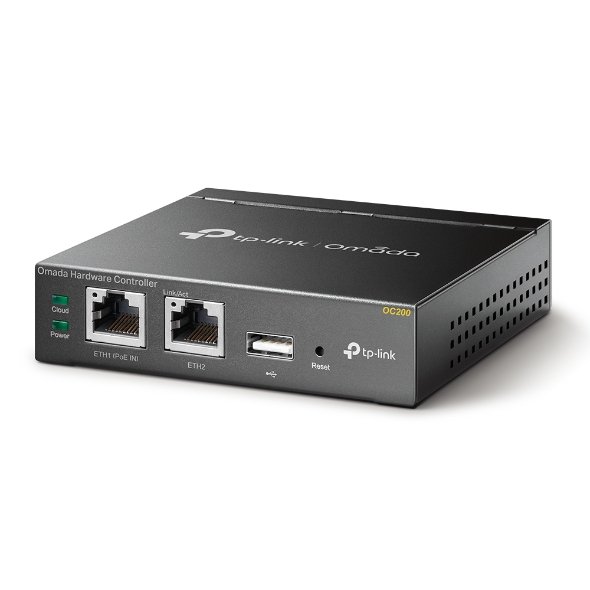
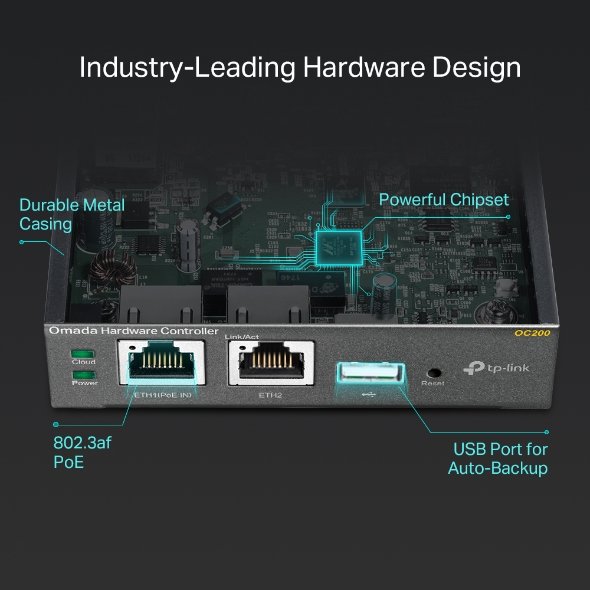
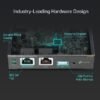
- Industry-Leading Hardware Design: A powerful chipset, durable metal casing, USB 2.0 port for auto backup, and two Fast Ethernet ports.
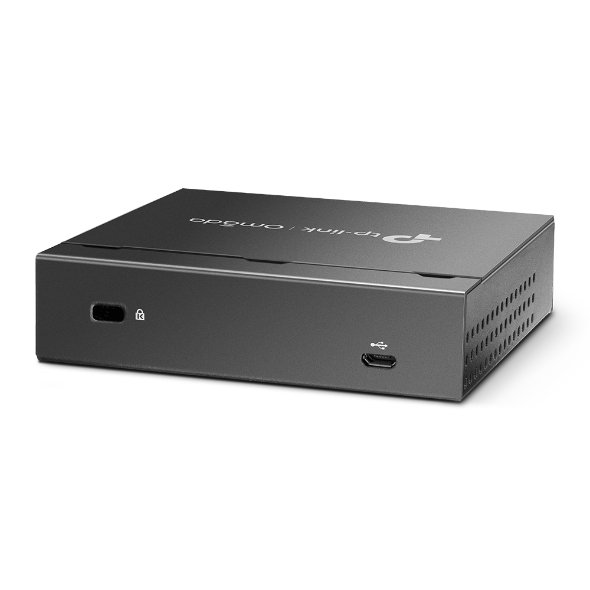
- Flexible Power Supply: 802.3af/at PoE or Micro USB (DC 5V/Minimum 1A) for flexible installation.
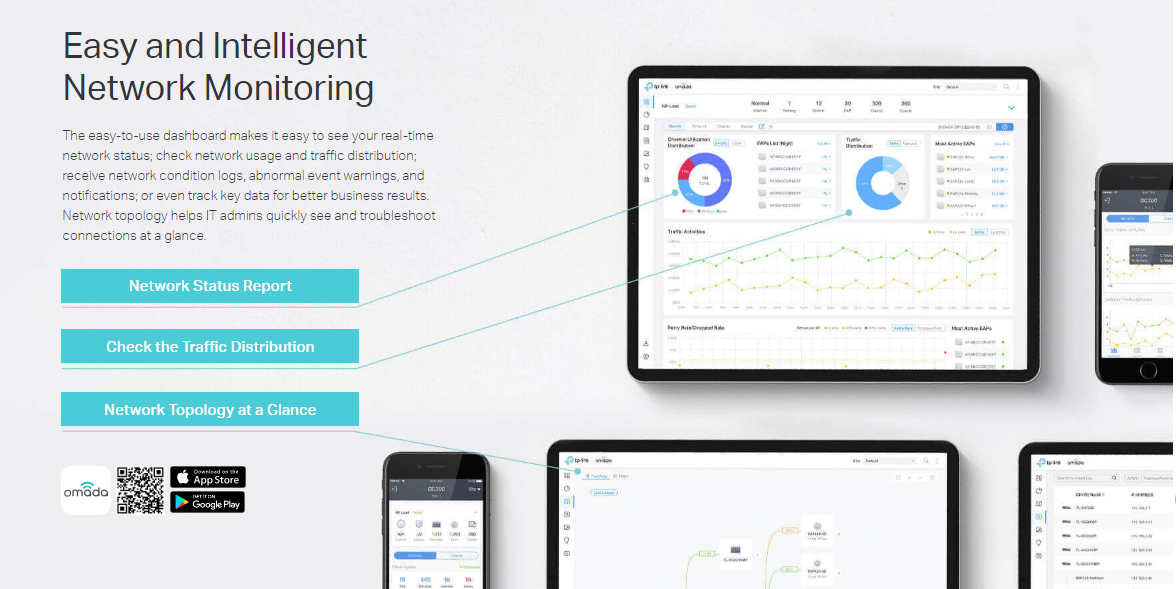
- Easy and Intelligent Network Monitoring: The easy-to-use dashboard makes it simple to see the real-time network status and traffic distribution.
- Real-Time Network Topology: Helps IT admins quickly see and troubleshoot connections at a glance.
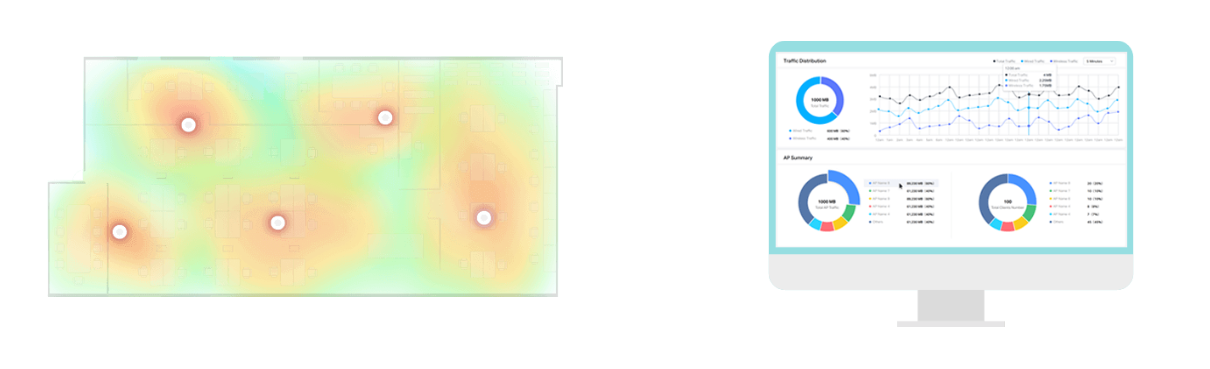
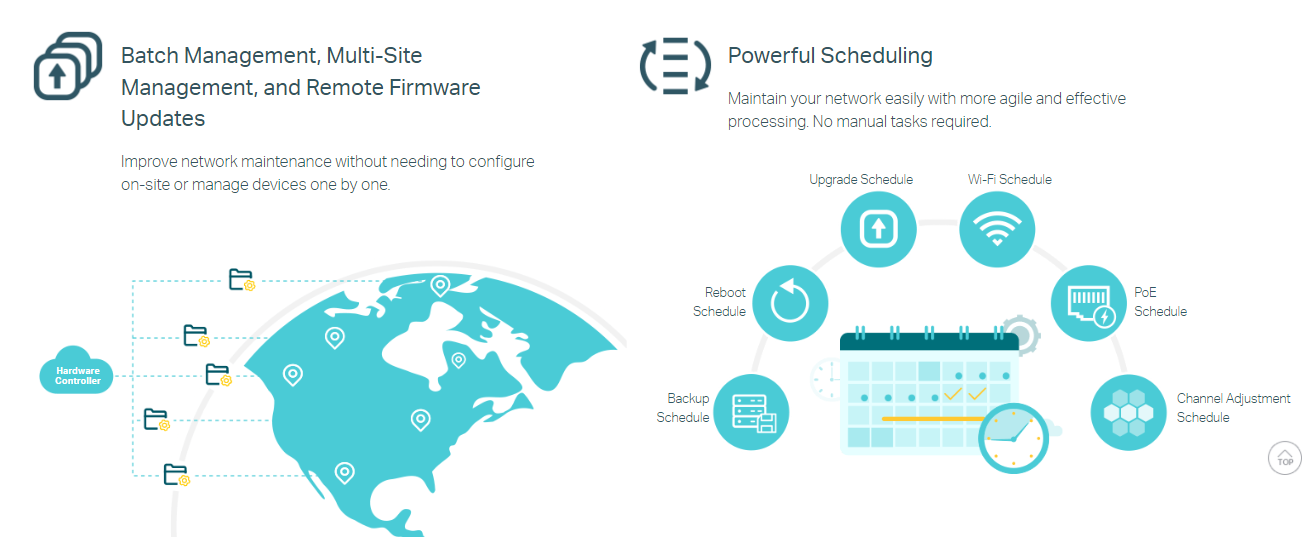
- Easier Network Maintenance: WiFi heatmap simulator, visualizable network report, and batch & multi-site management benefit network maintenance.

Centralized Management for
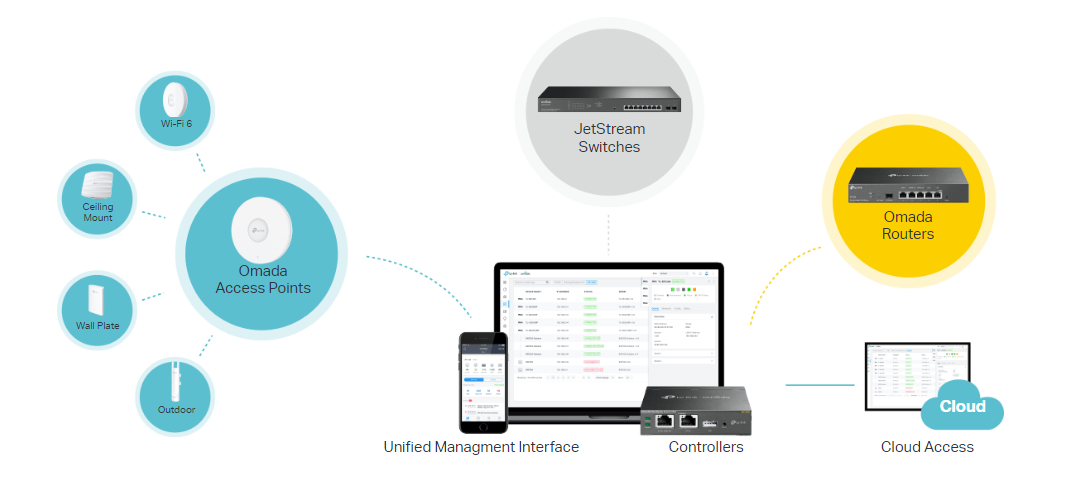
Access Points, Switches, and RoutersOC200, the professional on-premises hardware controller for the Omada Software Defined Networking (SDN) platform, provides 100% centralized management of Omada access points, JetStream switches, and Omada routers—all controlled from a single interface.


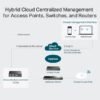
Hybrid Cloud for Maximum Convenience
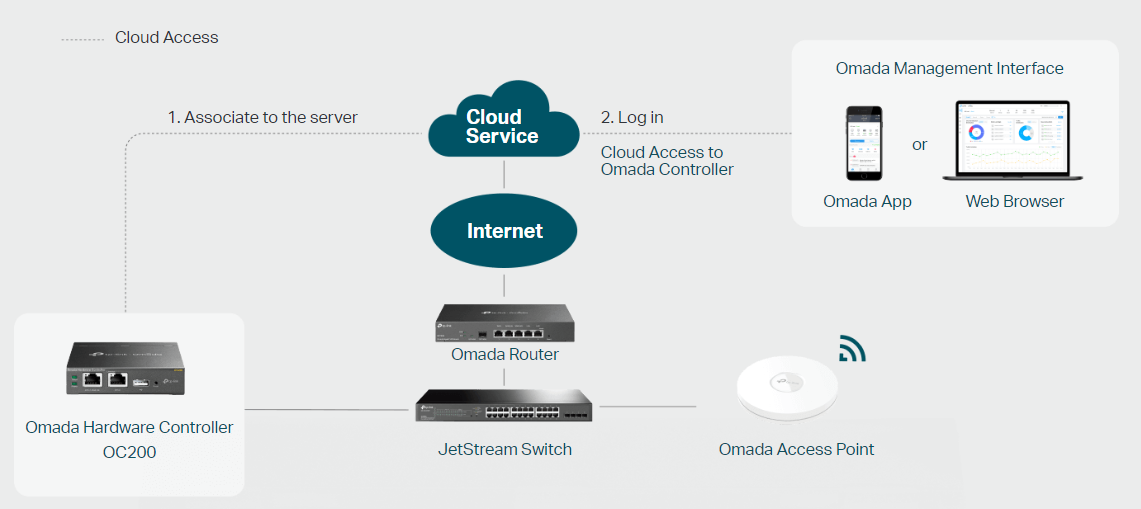
Featuring hybrid cloud technology, the Omada Hardware Controller OC200 allows you to remotely control the whole network wherever you are in the world with cloud access. Locally manage devices with the ultimate security and stability.


Multiple Factors Guarantee Easier Network Maintenance
WiFi Heatmap Simulator
Generate a Wi-Fi solution by simulating the wireless coverage effect of APs in the actual site. Determine the appropriate number and location of APs according to the coverage requirements.
Visualizable Network Report for Conveniently Summary
Help service providers easily report network service quality to their customers through reports. IT administrators also easily report network operation status through reports.


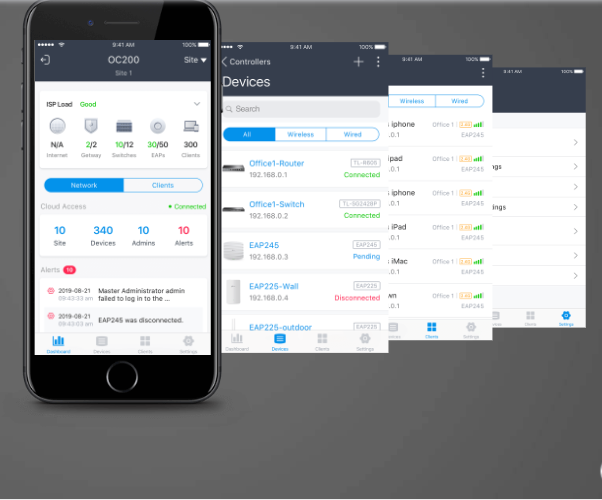
Greater Convenience with the Omada App
Remotely access and configure your whole network with a tap of your phone from anywhere in the world.

Choose the Right Controller that Fits Your Business

Brand Name TP-Link Model Name OC200 Dimension(cm) 13X13X7 Weight(kg) 0.50 HARDWARE FEATURES Interface • 2× 10/100 Mbps Ethernet Port • 1× USB 2.0 Port • 1× Micro USB Port Power Supply 802.3af/at PoE or Micro USB(DC 5V/Minimum 1A) Dimensions 3.9×3.9×1.0 in (100×98×25 mm) MANAGEMENT Omada App Yes Centralized Management • Up to 100 Omada access points, 20 JetStream switches, and 10 Omada routers • Up to 1,000 Clients Cloud Access Yes L3 Management Yes Multi-site Management Yes Management Features • Automatic Device Discovery • Batch Configuration • Batch Firmware Upgrading • Intelligent Network Monitoring • Abnormal Event Warnings • Unified Configuration • Reboot Schedule • Captive Portal Configuration OTHERS Certification CE, FCC, RoHS Package Contents • Omada Hardware Controller OC200 • Quick Installation Guide • Ethernet Cable System Requirements Microsoft® Windows®10, 8, 7,Vista™, XP or MAC® OS, NetWare®, UNIX® or Linux Environment • Operating Temperature: 0–40 ℃ (32–104 ℉) • Storage Temperature: -40–70 ℃ (-40–158 ℉) • Operating Humidity: 10–90% RH non-condensing • Storage Humidity: 5–90% RH non-condensing


Only logged in customers who have purchased this product may leave a review.
Related products
Access Points / CPE
Access Points / CPE

WIFI ROUTER / REPEATER
SYROTECH SY-AX-1800 Wi-Fi 6 Gigabit Router with 5 High-Gain Antennas, Dual Band
WIFI ROUTER / REPEATER

Access Points / CPE
Access Points / CPE
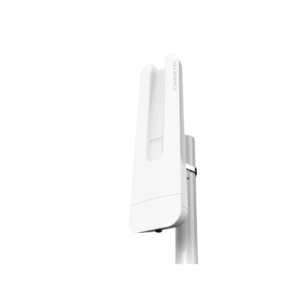
Mikrotik Omnitik 5 POE AC RBOmniTikPG-5HacD – Powerful Outdoor 5 GHz Access Point with POE Support
WIFI ROUTER / REPEATER
Access Points / CPE



Reviews
There are no reviews yet.