
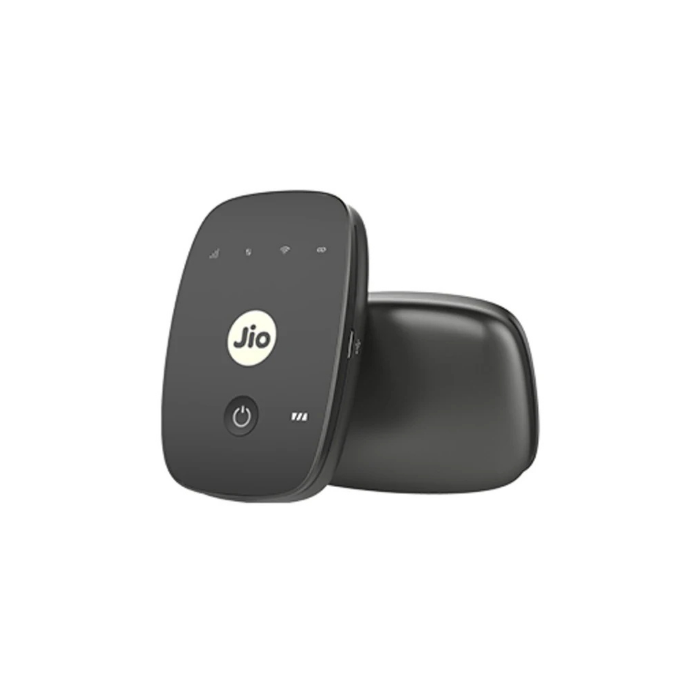
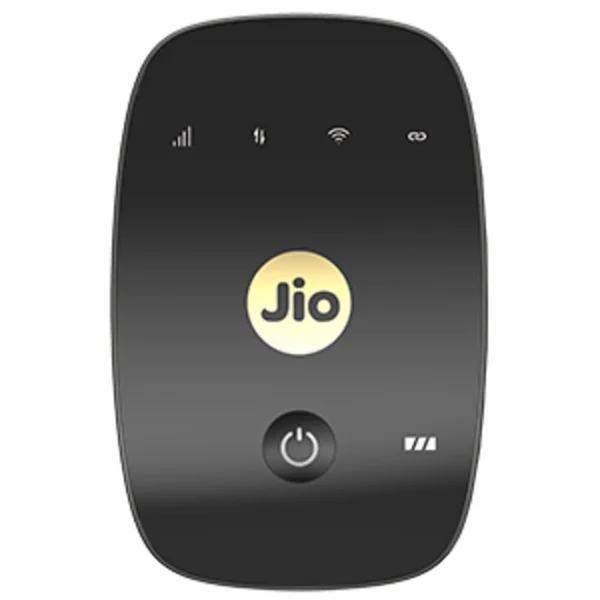
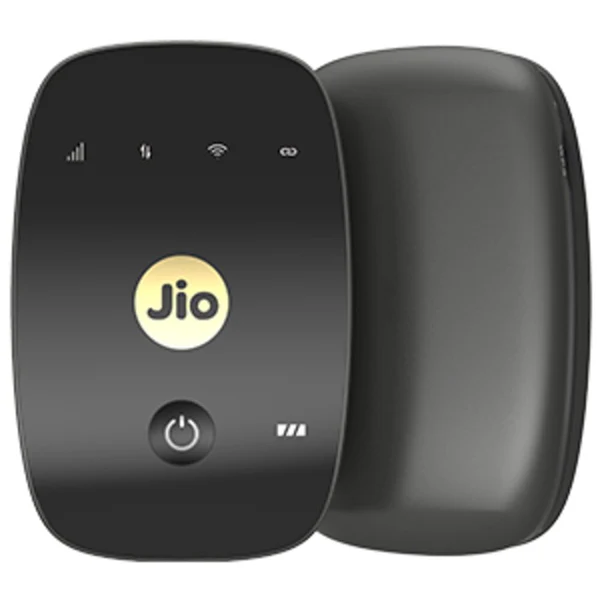
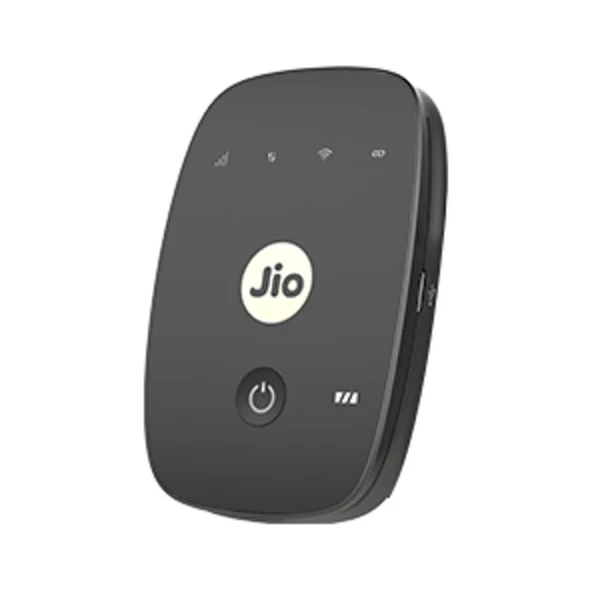

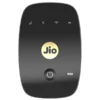
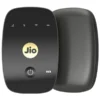
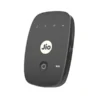
JioFi M2S 4G Router – Portable WiFi Hotspot Device for HD Voice & Video Calls

Original price was: ₹4,999.00.₹2,690.00Current price is: ₹2,690.00.
Take fast 4G internet anywhere with JioFi M2S Black 4G Router. This compact, pocket-size hotspot works with Jio SIM and lets you connect up to 10 devices on WiFi + 1 on USB tethering. Good for home, office, travel, students and small shops.
- 4G LTE Speed up to 150 Mbps download
- Connects Smartphones, Laptops, Tablets, Smart TV
- 2300mAh battery for on-the-go use
- Supports HD Voice & Video Calls via JioJoin / JioCall App
- Simple setup – Just insert Jio SIM and switch on
JioFi M2S Black 4G Router – Portable WiFi Hotspot for Everyday Use
Stay connected wherever you go. The JioFi M2S Black 4G Router is a portable hotspot device from Jio that converts your Jio 4G SIM into a personal WiFi network. Ideal for home, office, travel, online classes, and work from home.
Why Choose JioFi M2S?
If you need internet for multiple devices without depending on wired broadband, this small device is a practical solution. Just insert an active Jio SIM, charge it, and start browsing.
Key Features
- Fast 4G LTE Connectivity: Supports LTE Category 4 with download speed up to 150 Mbps and upload up to 50 Mbps on 4G network.
- Connect Many Devices: Connect up to 10 devices over WiFi and 1 device via USB tethering at the same time.
- Works on 2.4GHz Band: WiFi standard 802.11 b/g/n, supported bands – 2300MHz, 1800MHz, 850MHz.
- Portable & Lightweight: Weighs around 100g, fits easily in pocket or bag. Dimensions approx 93 x 60 x 15mm.
- 2300mAh Battery: Built-in rechargeable battery designed for portable use. Comes with USB cable and adapter for charging.
- Voice & Video Calling Support: Make HD voice and video calls using JioCall / JioJoin app on your smartphone when connected to JioFi.
- Easy to Use: No complicated installation. Power on, connect to JioFi WiFi name shown on device label, enter password and start.
- Extra Storage Option: Micro SD card slot up to 32GB to share files and media across connected devices.
What is in the Box?
- 1 x JioFi M2S Device (Black)
- 1 x 2300mAh Battery
- 1 x USB Cable
- 1 x Power Adapter
- Quick Start Guide
Technical Specifications
| Brand | Jio |
| Model | JioFi M2S – JMR1040 / M2S Black |
| Device Type | 4G Portable Router / MiFi |
| SIM Type | Jio 4G SIM Only (Micro SIM) |
| Network Technology | 4G LTE FDD/TDD, True 4G |
| WiFi Standard | IEEE 802.11b/g/n, 2.4 GHz |
| Max WiFi Connections | 10 on WiFi + 1 on USB |
| Battery Capacity | 2300mAh Li-ion, Removable |
| Charging Port | Micro USB |
| Recommended For | Smartphones, Laptops, Tablets, PCs |
| Color | Black |
How to Setup?
- Open back cover and insert Jio 4G SIM and battery.
- Press power button for 3-4 seconds to switch on.
- On your phone/laptop, search WiFi – connect to JioFi name (SSID) mentioned on device.
- Enter password mentioned on device sticker and connect.
Who is it for?
Useful for students for online classes, families needing WiFi at home, travellers, shop owners, and anyone who needs internet for multiple devices without fixed broadband.
Note: This device works only with Jio SIM card. Internet speed depends on Jio network coverage in your area, number of connected devices, and building structure. Battery backup depends on usage.
Only logged in customers who have purchased this product may leave a review.
Related products

Access Points / CPE
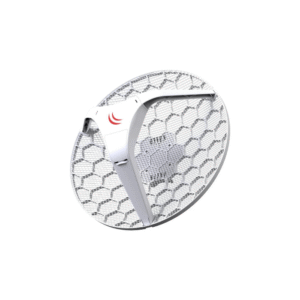
Mikrotik LHG XL HP5 RBLHG-5HPnD-XL – Long-Range 5 GHz Wireless CPE for Outdoor Networks
Access Points / CPE
WIFI ROUTER / REPEATER
SYROTECH SY-AX-1800 Wi-Fi 6 Gigabit Router with 5 High-Gain Antennas, Dual Band

HOME SMART SOLUTION

Access Points / CPE
Mikrotik SXTsq 5 AC RBSXTsqG-5acD – Long-Range 5 GHz Wireless CPE for Outdoor Networks
Access Points / CPE
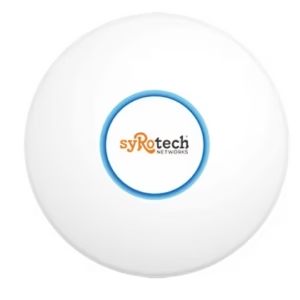
SYROTECH SY-AP-1200-AC – 802.11ac Wave 2 Dual-Band Gigabit Ceiling Wireless Access Point (AC1200)
Access Points / CPE
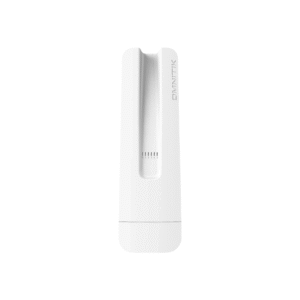
Mikrotik Omnitik 5 AC RBOmniTikG-5HacD – Outdoor 5 GHz Access Point with Powerful Antennas
WIFI ROUTER / REPEATER

WIFI ROUTER / REPEATER

Access Points / CPE
Access Points / CPE
Reviews
There are no reviews yet.